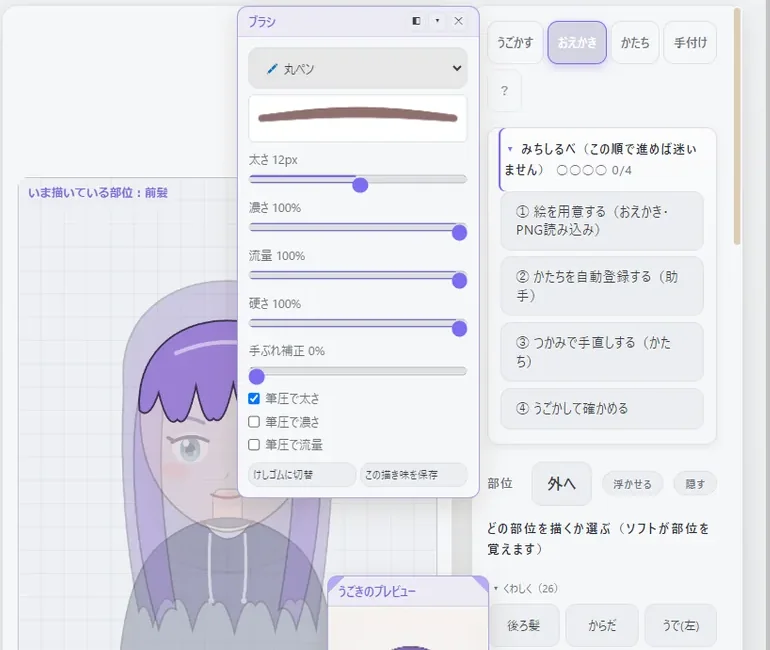
DRAWDraw
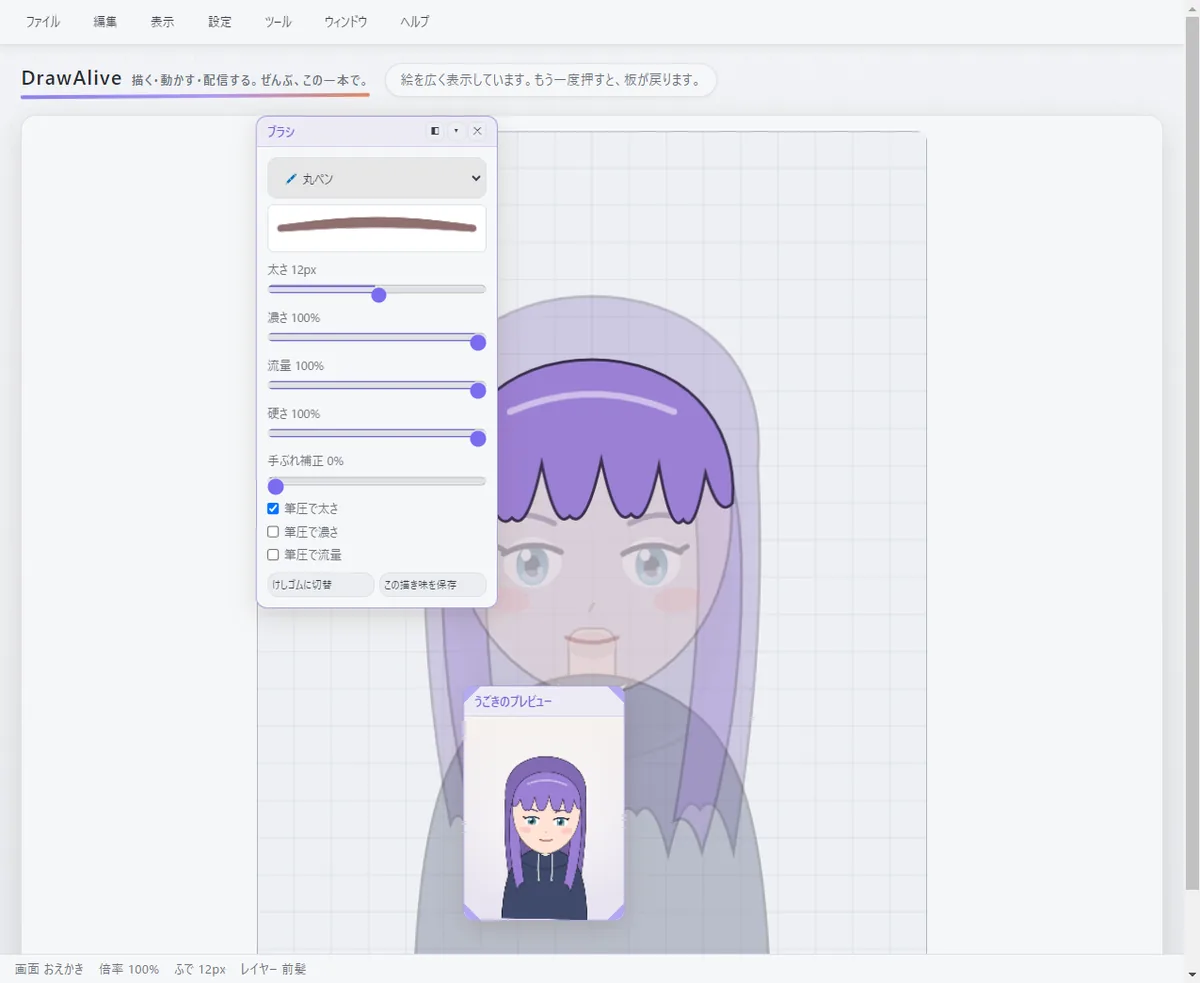
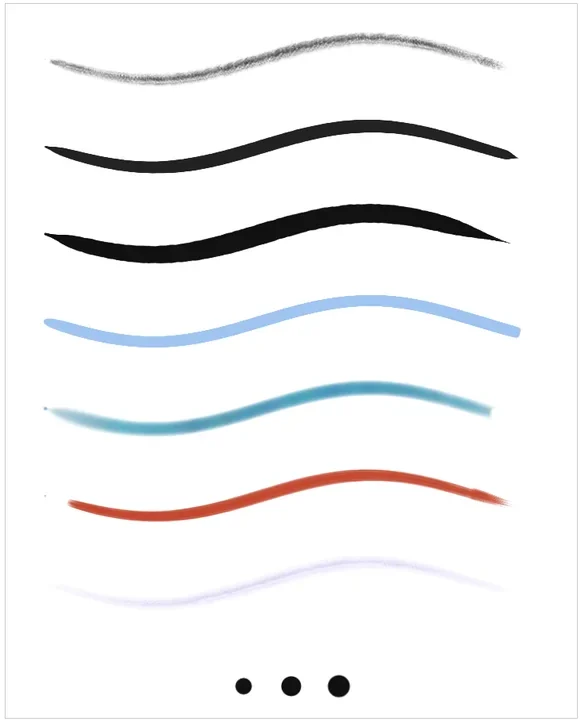
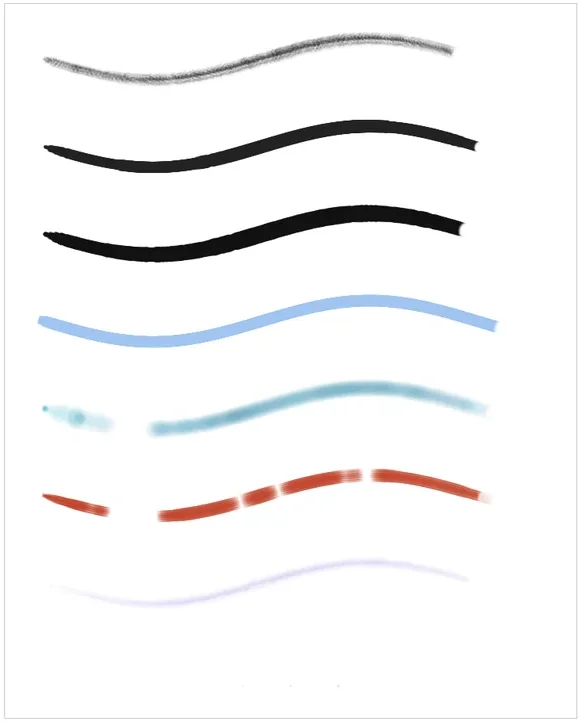
Pick a part — bangs, eyes, mouth — and draw on it. DrawAlive remembers what you drew where. Seven brushes, from pencil to watercolor.
STEAMComing late 2026BUY ONCE¥1,980
DrawAlive is one app for drawing an illustration, bringing it to life as a VTuber avatar, and streaming it. Draw each part, and it blinks, talks and lets its hair sway as the camera follows your face.
She was drawn and animated in DrawAlive — try patting her
ALL IN ONE
Drawing, rigging and streaming used to need three different programs. In DrawAlive they are steps in the same window.
Pick a part — bangs, eyes, mouth — and draw on it. DrawAlive remembers what you drew where. Seven brushes, from pencil to watercolor.
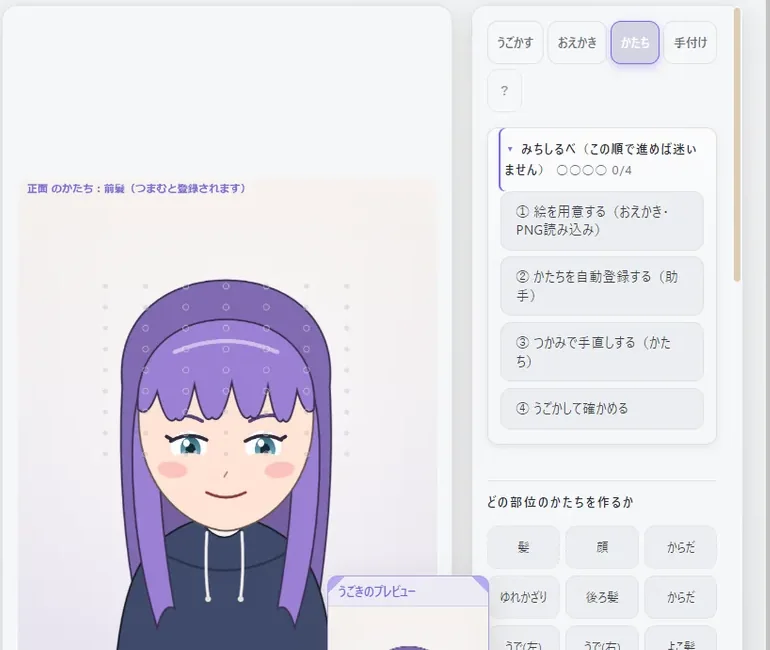
Shape each head angle by dragging the points of a grid. A helper sets up standard shapes for you, so at first you only fine-tune.
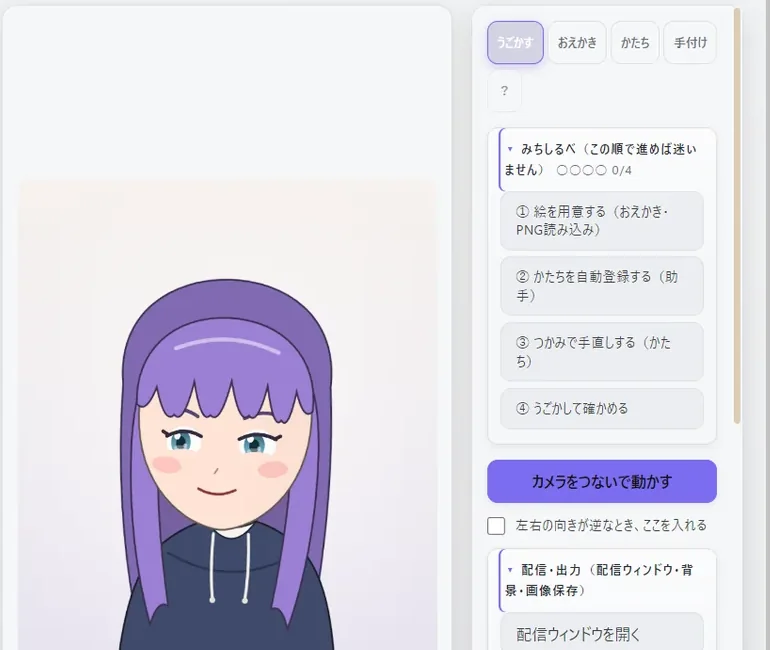
Connect a camera and it moves. Open the stream window — transparent, avatar only — and capture it in OBS.
WHAT'S DIFFERENT
To turn your own drawing into a VTuber, the usual way is to combine a drawing app, an app to build the motion, and an app that moves it with your face. DrawAlive puts that whole flow on one screen.
A general example. It varies with the apps and workflow you use.
MADE FOR YOU IF
GETTING STARTED
The app shows the same guide on the right, and ticks off each step as you finish it.
FOUR SCREENS
Layers on the left, your art in the center, that screen's tools on the right. The layout is the same on every screen.
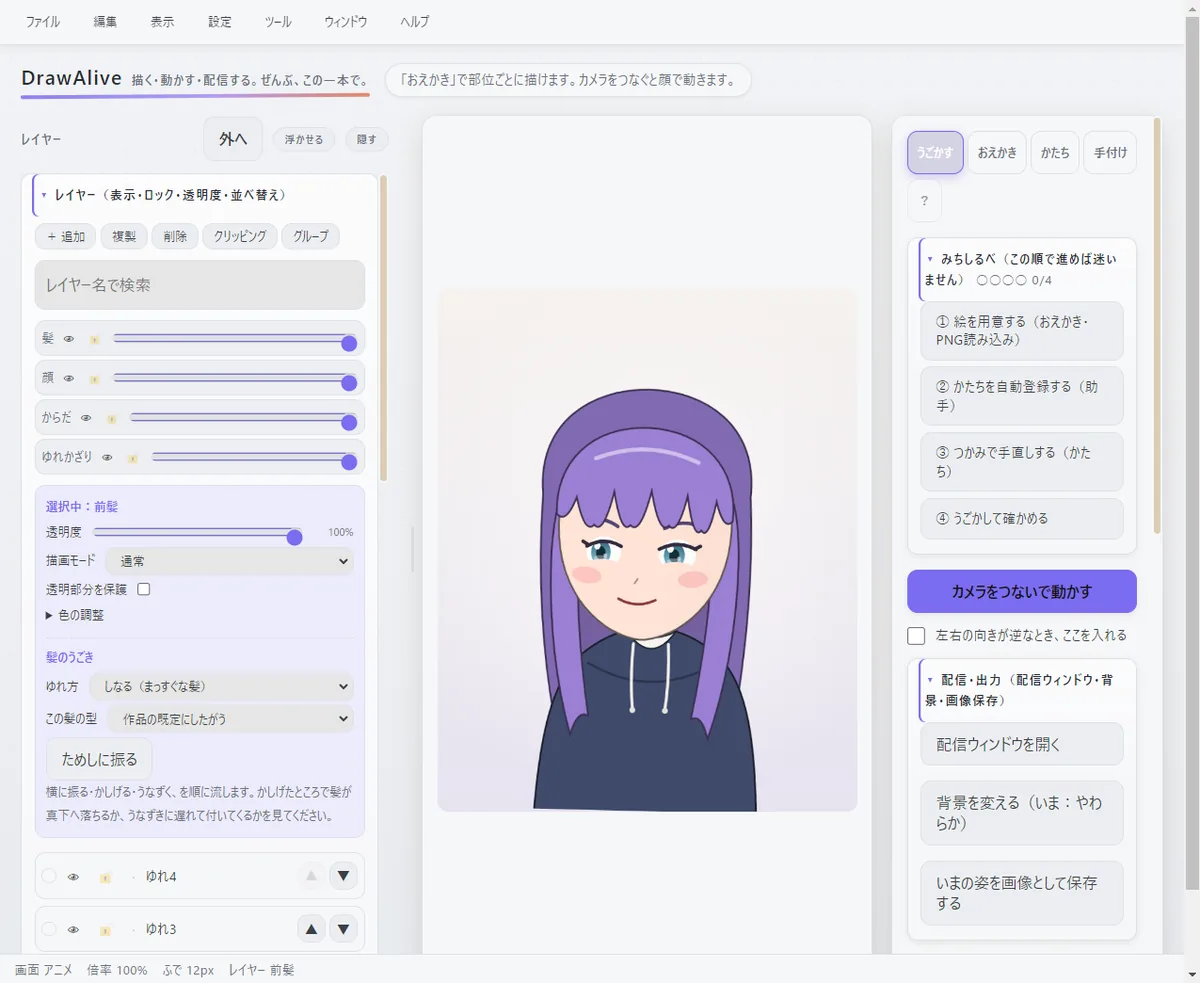
The camera reads your head angle, blinks and mouth, and moves your art. Backgrounds, the stream window and expressions live here too.
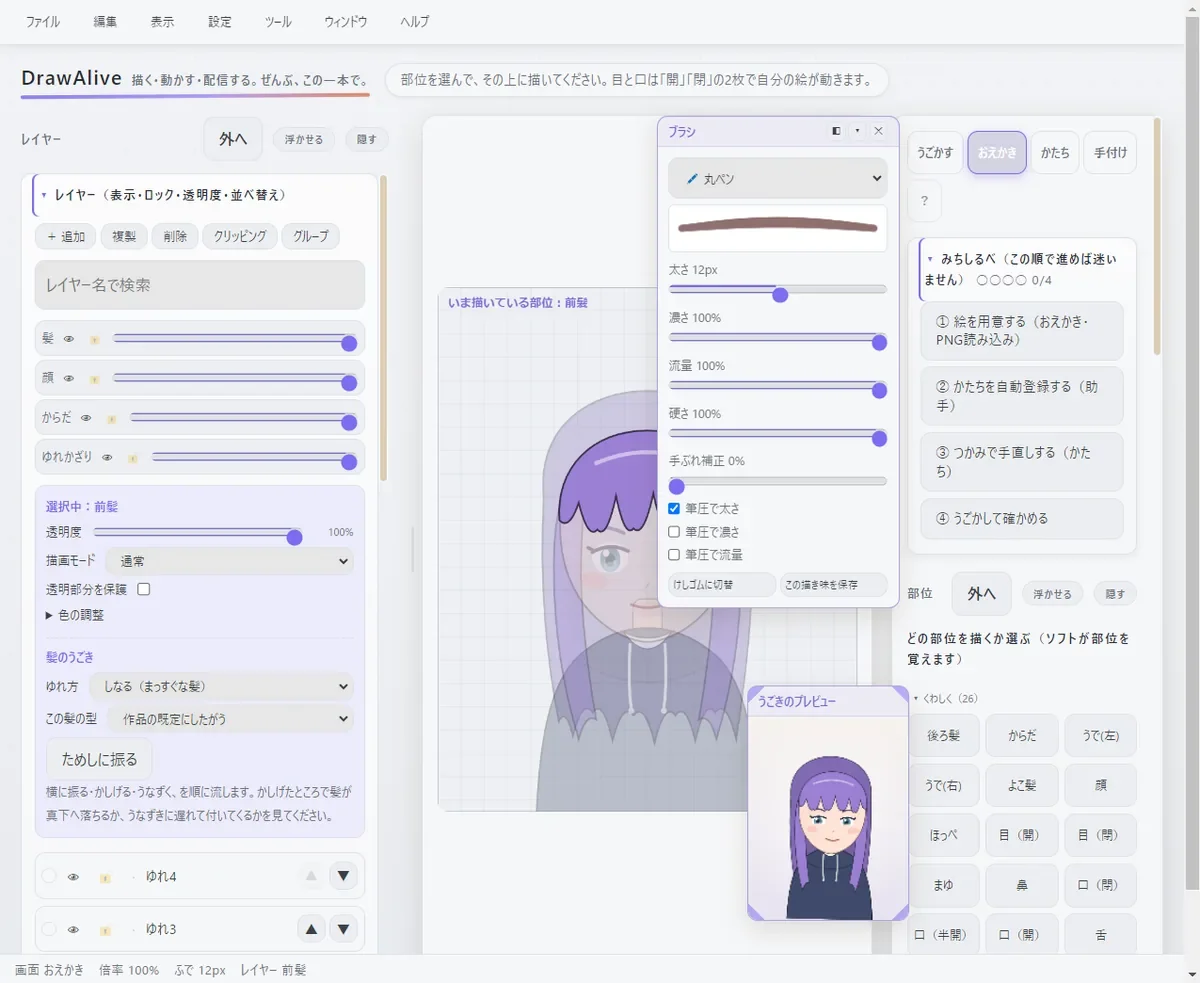
Pick a part such as front hair, eyes or mouth, and draw on it. Seven brushes plus layer, selection and shape tools.
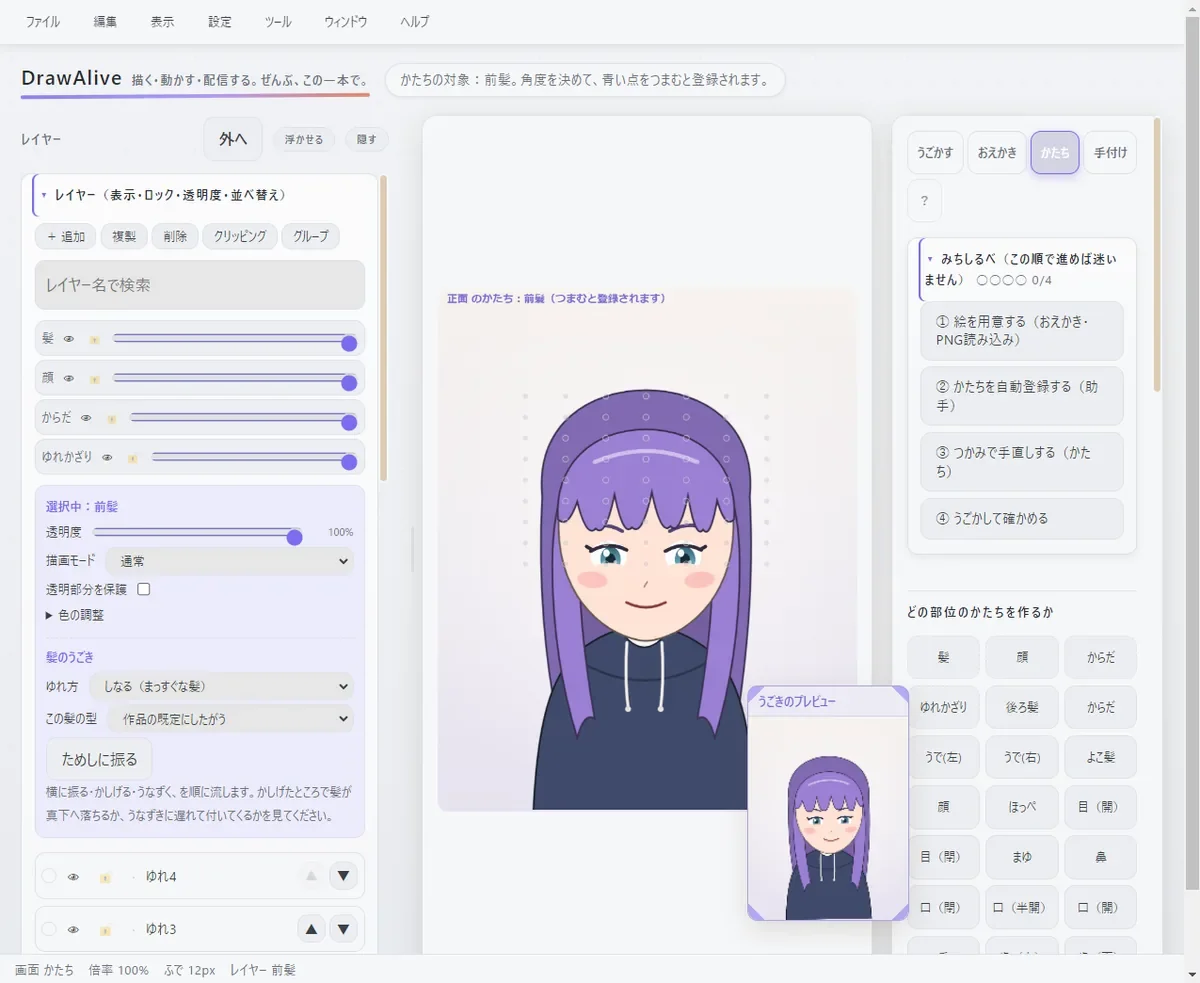
Build the shape for each head angle by pinching points on a 7×9 grid. Three kinds of deformation — fine, large and whole-box — for profiles and nods.
Grab parts directly to pose them, then line up frames into expression clips. Trigger them with the number keys while streaming.
FEATURES
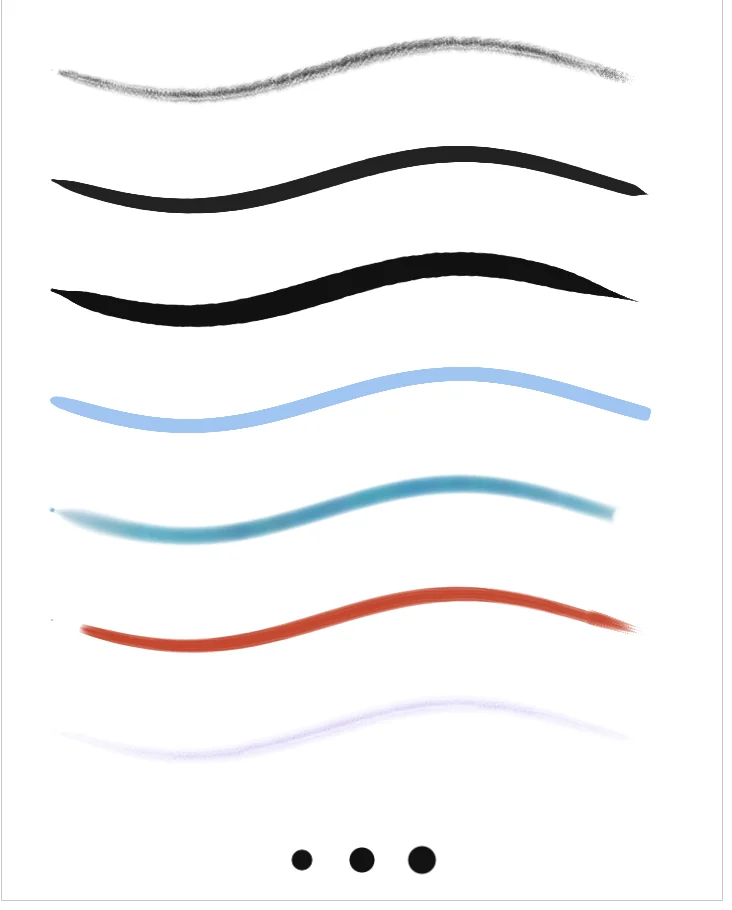
The pencil catches the paper grain, the G-pen has sharp tapers, and watercolor bleeds colors you mixed on the palette. Fast curves stay round, and strokes end in a clean taper.
17 blend modes, the same as Photoshop's — multiply, screen, overlay and more — for layering shading and color.
The camera reads where you look, when you blink and how wide you open your mouth. Your drawn eyes and mouth move as they are, and the hair follows a beat behind when you turn.
Front HairBangs that sway when you turneye_closeClosed eyes for blinkingmouth_openOpen mouth for talking前髪 右目Japanese names work tooPSD and PSB files import with their groups, clipping, masks and blend modes intact. For art split for Live2D, DrawAlive reads the layer names and guesses which motion each layer should get.
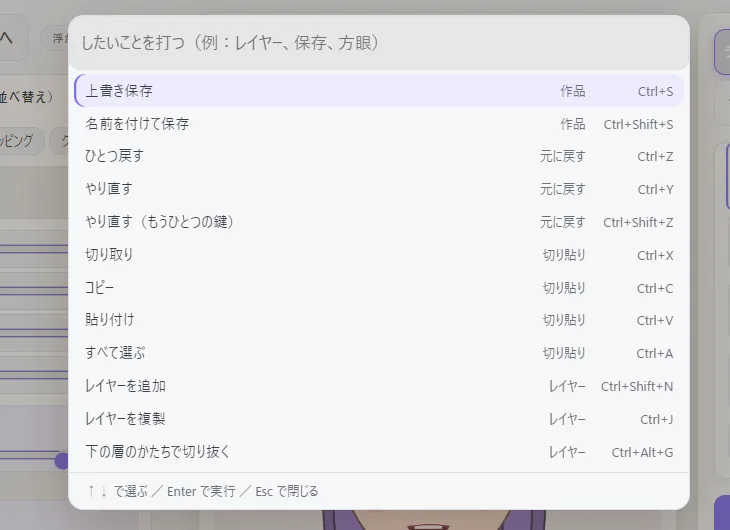
There are a lot of features, so DrawAlive is built so you don't have to hunt for them.
STROKE FEEL
During development, the brush engine was rebuilt. These show the same pen movement drawn the old way and the new way. Drag the handle in the middle to compare.
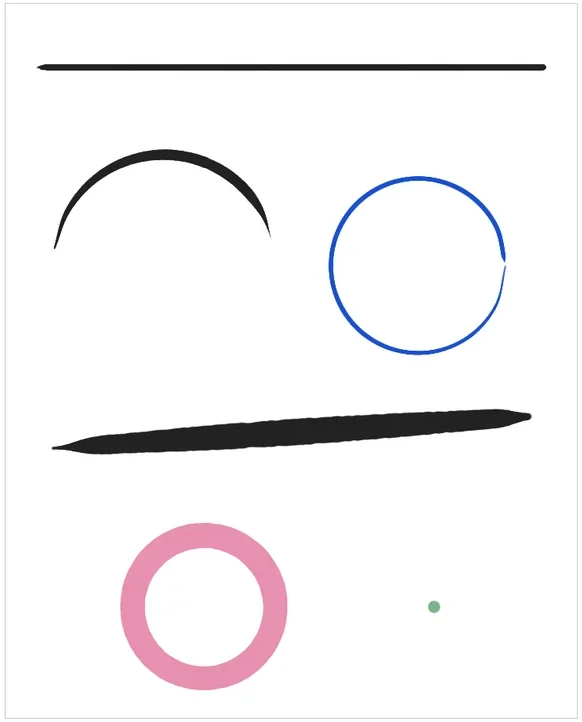
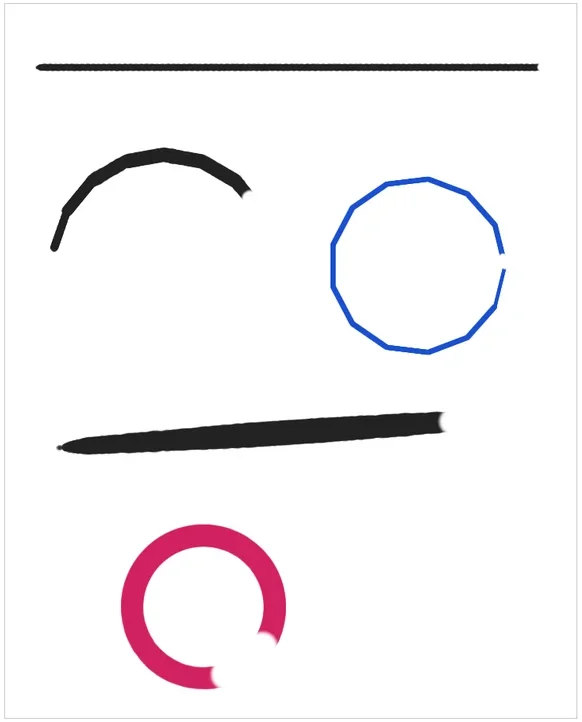
Try a few strokes right here
A simple pen made for the browser. It isn't the app's real brush, but you can feel the width follow your speed and the end taper off.
PRIVACY & SAFETY
Your camera feed is processed only on your own computer and is never uploaded. The face-tracking component ships inside the app, so it doesn't use the internet at all.
FULL FEATURE LIST
PRICE
DrawAlive full version
What if you did the same with a monthly service?
That's ¥22,020 apart.Buying once wins from month 2.
An example for comparison. Move the monthly fee freely.
From the maker
We've entered an age of renting our tools. Pay every month, stop paying, and the tool is gone. Now that this is normal, DrawAlive is deliberately a one-time purchase.
A drawing tool becomes yours as it settles into your hand. Buy it once and it belongs to you. Open it whenever an idea strikes, years from now, without thinking about next month's bill.
And it won't stop at release. Where are VTubers and illustration headed next? For as long as that curiosity lasts, I'll keep fixing and growing DrawAlive.
Ryoga Eto
RELEASE
DrawAlive is planned for release on Steam for Windows, as a one-time purchase of ¥1,980 (other regions follow Steam's regional pricing). We'll announce it here when the store page and wishlists open.
Until the end of 2026
FAQ
It's a one-time purchase of ¥1,980 (other regions follow Steam's regional pricing). No monthly or yearly fees, and every feature is included.
Yes. For as long as the maker's curiosity lasts, DrawAlive will keep being fixed and grown. Updates arrive through Steam.
Drawing, building motion, moving it with your face and the stream window are all in one app. Redrawn art shows up in the motion as soon as you switch screens — no exporting or re-importing. And it's a one-time purchase of ¥1,980.
A 720×900 transparent PNG fits exactly. Import one image per part.
At release, it's for Windows.
Windows PCs. Detailed system requirements will be on the Steam store page at release.
No. You can draw and build motions without one. Without a camera, the avatar sways on its own to show its motion.
You can draw with a mouse. With a pen tablet, pressure and tilt change the size and opacity of your strokes.
Yes. The official avatar is included so you can try animating right away, and you can import PNG or PSD art made in other programs.
You can import the PSD you split for Live2D, and DrawAlive assigns motions from the layer names. Live2D model files themselves (the rigging data) can't be imported.
No. Face tracking runs only on your own computer and doesn't connect to the internet.
Capture DrawAlive's stream window as a window capture in OBS or similar software. Its background is transparent, so only your avatar appears.